Awesome Dev Agents
Nine GitHub Copilot custom agents across the dev lifecycle.
9
Agents
1 command
Install
Problem
Copilot's custom agent mode is powerful, but most people still use generic prompts and re-explain their stack every time.
Approach
Nine purpose-built agents, each with a focused domain, opinionated rules, a defined toolset and example trigger phrases. They are plain .agent.md files: drop them into a repo and they appear in Copilot's agent list, ready to use without editing.
The nine agents
| Agent | What it does |
|---|---|
| AI Engineer | LLM apps, RAG pipelines, inference endpoints and computer vision workflows |
| Full Stack Dev | Complete features from React components to REST APIs |
| ML Researcher | Experiments with proper method: EDA first, cross-validation, clear metrics |
| Code Reviewer | Structured critical, warning and suggestion reports in any language |
| System Designer | Architecture documents with diagrams, API tables and database schemas |
| Doc Writer | READMEs, proposals, papers and docstrings that sound like a person wrote them |
| Security Auditor | OWASP Top 10, exposed secrets, injection risks and prompt injection in LLM apps |
| Open Source Contributor | Finding a project, reading the codebase, and writing the first PR or proposal |
| UI Designer | Extracts the design language from a screenshot and applies it to your code |
Key features
- One-command install into any repo's
.github/agentsfolder, on macOS, Linux and Windows. - Works in Copilot Chat and the Copilot CLI.
- Workflow combinations. Agents are designed to hand off to each other. A new feature, for example, goes from System Designer to Full Stack Dev to Code Reviewer.
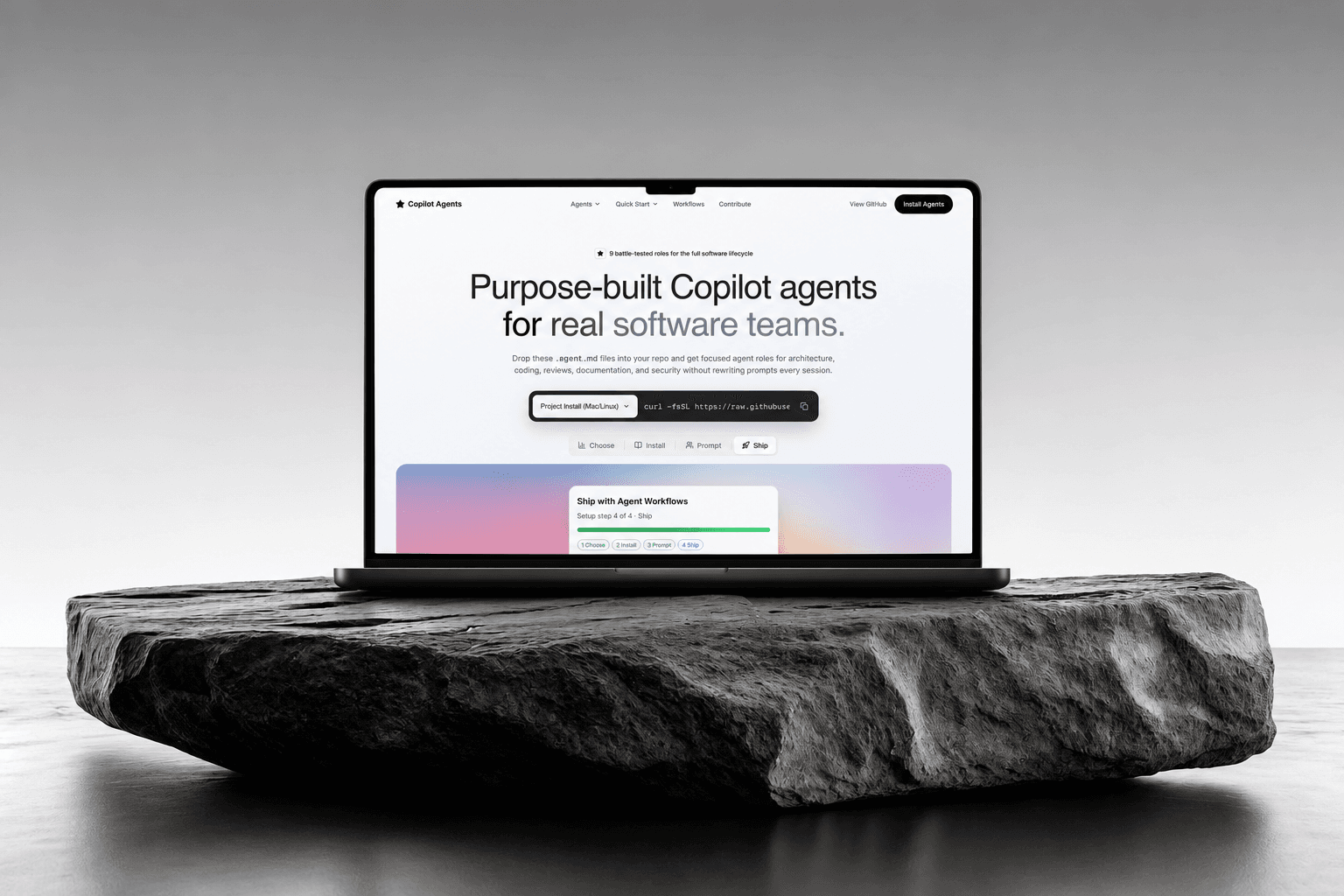
- An interactive showcase site for browsing the agents and copying the install command.
- Open to contributions, with a documented file format for adding an agent of your own.